Free CV builder. Free PDF, no watermark.
Pick a free template, fill in your details with a live preview and download your CV as a PDF for free. Build without signing up, then download with a free account: no watermark and no payment details.
- Free forever, no trial
- 100% free PDF download
- Free account to download
- No watermark
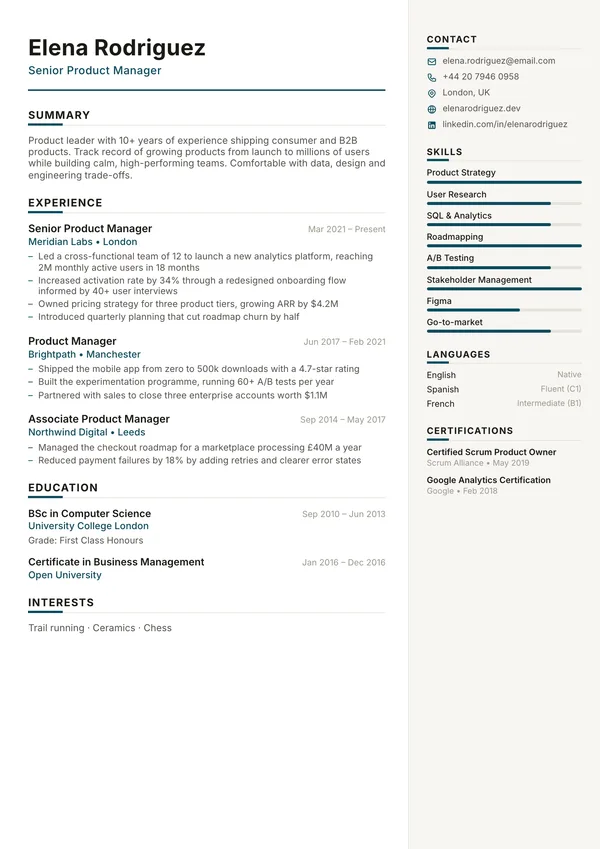
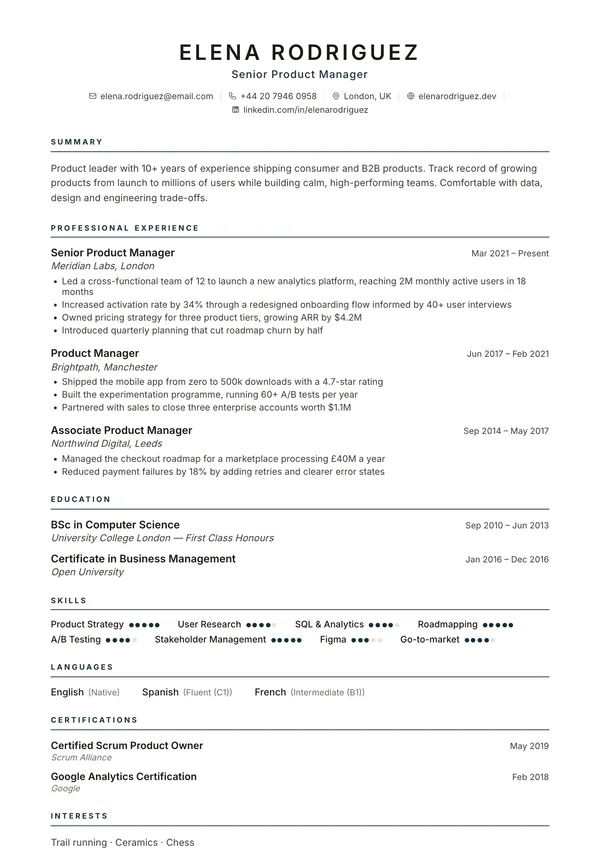
Your CV in three steps
- 1
Pick a template
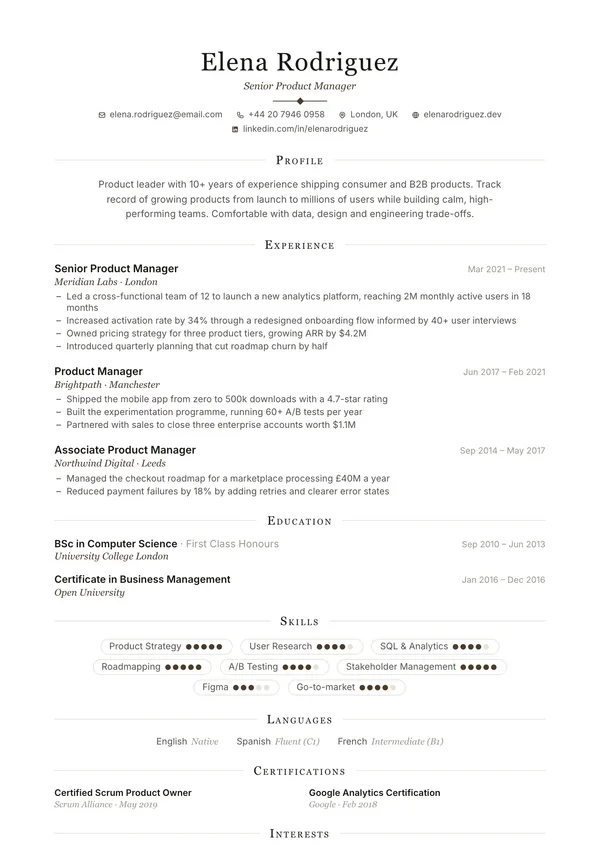
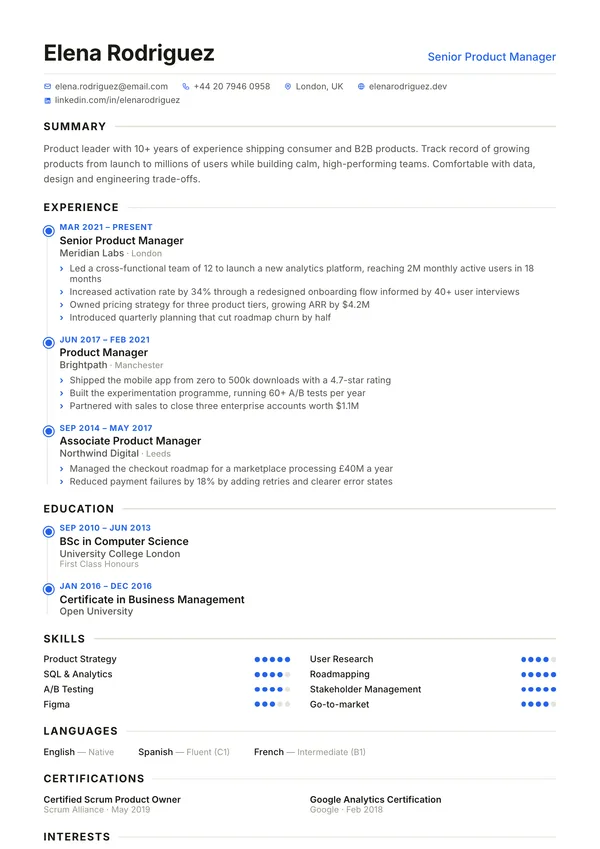
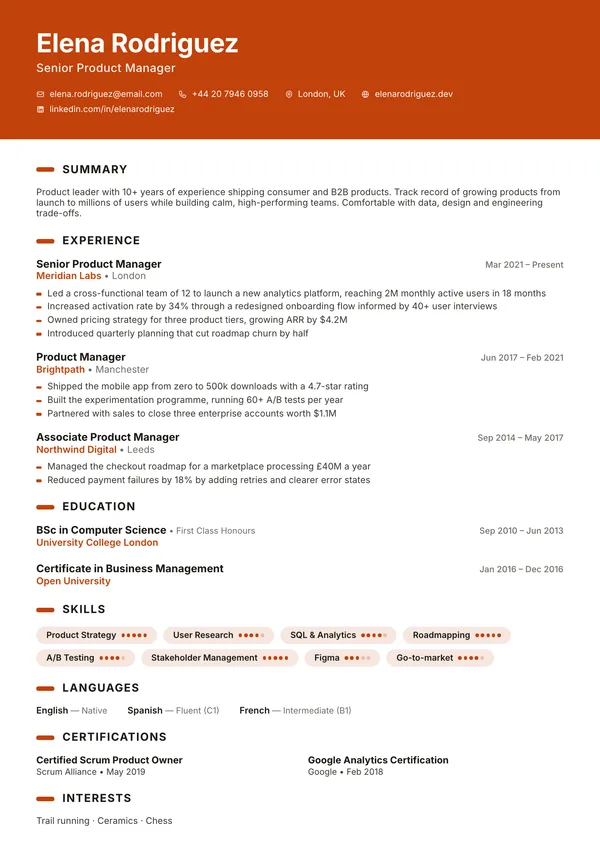
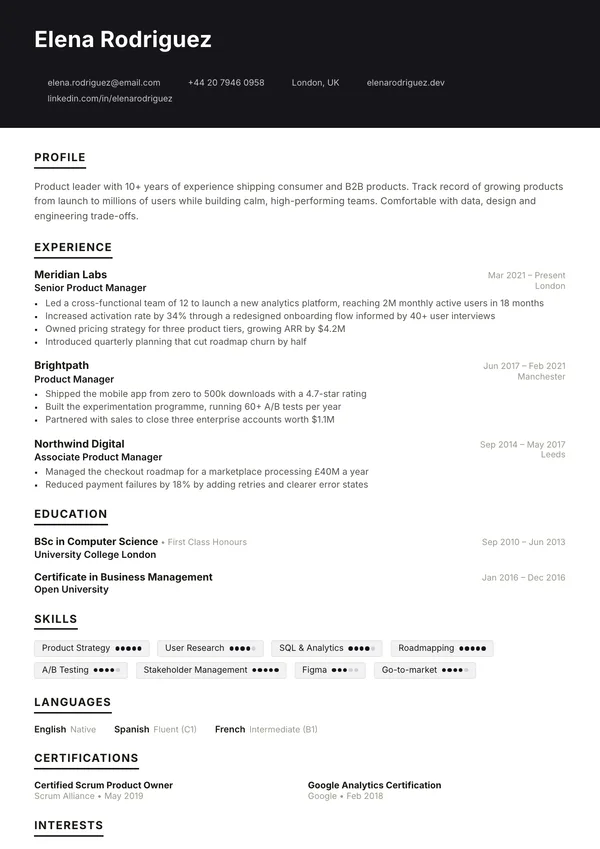
Choose from 71 professional designs. You can switch at any time.
- 2
Fill in your details
Type into a guided form and watch your CV update live beside it. It saves in your browser as you go.
- 3
Download your PDF
Create a free account and download a clean PDF with no watermark, and export a backup file so you can edit it later.
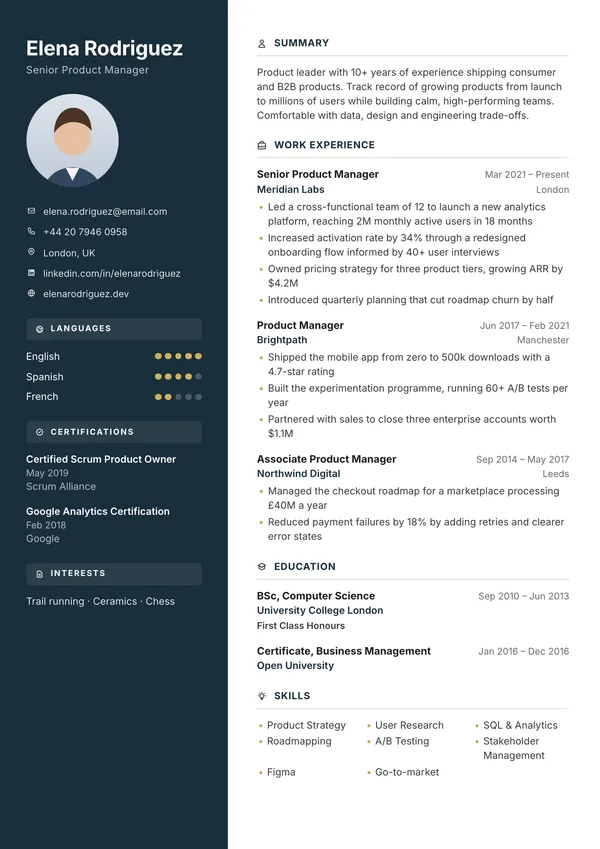
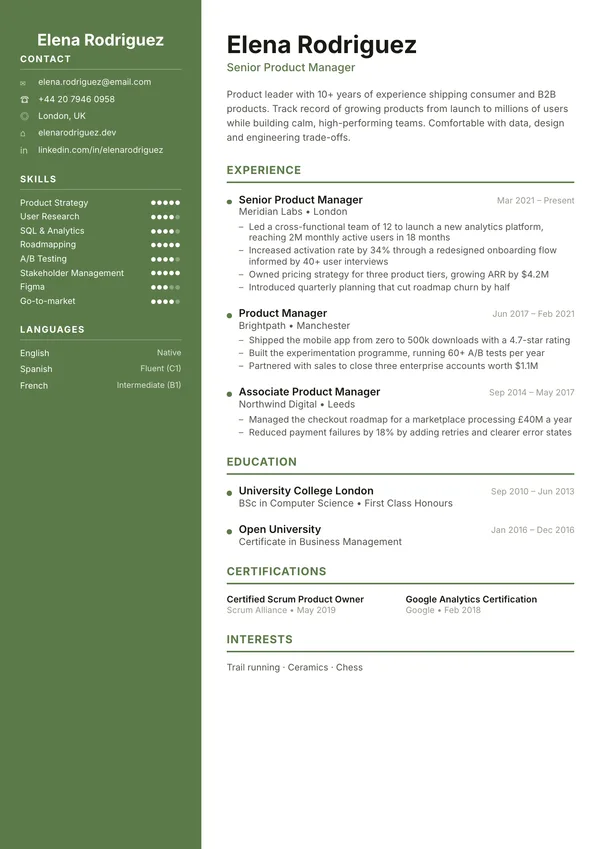
Free where it matters
Every template, the PDF download, the letter tools, the ATS checker and a daily CV review are free, with no watermark and nothing at the download button. Pro adds unlimited saved CVs, version history, a job tracker and more reviews.
No sign-up to start
Open the editor and start typing. Create a free account when you are ready to download: an email code or Google, no payment details.
Free PDF downloads
Download as often as you like. No paywall at the download button.
No watermark
Your CV looks exactly as you designed it, every time.
Private by design
Your CV is saved in your own browser. It only reaches our servers if you choose to save it to a free account.
Live preview
See exactly what your PDF will look like as you type.
71 templates
Professional, modern and minimal designs. Your content moves with you.
More free tools for your job search
Everything you need around your CV, free. Only the CV review needs a (free) account.
Cover letter builder
Write a cover letter that matches your CV and download it as a PDF.
Letter templates
Resignation, reference, offer and other work letters, filled in for you.
ATS resume checker
See how an applicant tracking system reads your PDF. It stays on your device.
CV review
A score and specific fixes for your CV, built here or uploaded as a PDF. Free with a free account.
Resume examples
Real-world examples with summaries and bullet points you can adapt.
Frequently asked questions
Is CompleteCV really free?
Yes. Building your CV and downloading it as a PDF is free, with no limit and no watermark. Downloading needs a free account, with no payment details.
Do I need to create an account?
Only to download. You can build and preview your CV without signing up: open the editor and start typing. To download the PDF, create a free account with an email code or Google (no payment details). It also keeps a CV and a letter so you can open them on any device, and gives you a free CV review every day. Pro adds unlimited saved CVs, version history and a job tracker.
Where is my CV stored?
Without an account, only in your own browser, on your device, and we never keep a copy. Clearing your browser data deletes it, so use Export backup to keep a backup file. If you save your CV to a free account, it is stored so you can open it anywhere, and you can delete it at any time. The PDF is created by our PDF service and not stored. If you ask for a CV review, your CV text (without contact details) is sent for that review only and not stored.
How do I move my CV to another device?
Sign in to a free account on both devices and your saved CVs are there. Without an account, use Export backup to download a backup file, then open CompleteCV on the other device and use Import backup.
Can I change the template after I start?
Yes. Switch templates, colours and fonts at any time from the Customize tab. Your content stays exactly as it is.
Can CompleteCV check my CV?
Yes. Open the Review tab in the editor, or the free CV review page to upload a PDF, for a score, what is working, and specific fixes. You can add the job you are applying for to get tailored advice. The review needs a free account (1 review a day, or 5 with Pro); building and downloading your CV never does.
Can I use CompleteCV on my phone?
Yes. The editor works on phones, tablets and desktops.
Ready when you are
Free from start to finish: no sign-up to start, and a free account to download. Your CV saves as you type, so you can stop and come back.
Build your CV free