Resume format: how to lay out your resume (with free templates)
Use a reverse-chronological resume format unless you have a strong reason not to: contact details, a short summary, your work experience with the newest job first, then education and skills, on one page. Change careers or have gaps? A combination format puts your skills first while still showing dates.
- 100% free PDF download
- Free account to download
- No watermark
Last updated
One page, US Letter or A4
A resume format is two things at once: the order of your sections and the look of the page. Recruiters in the US and Canada read a lot of resumes, and they read them fast. A familiar format lets them find what they need (your last job, your title, your dates, your key skills) without hunting. This guide covers the three standard formats, when each one makes sense, and the layout rules that apply whichever one you choose.
If you are applying in the UK, Ireland, Europe, Africa or India, the conventions are different. Read our CV format guide instead, or CV vs resume if you are not sure which document you need.
The three resume formats at a glance
One page, US Letter or A4
One page
One to two pages
| Format | Leads with | Best for | Watch out for |
|---|---|---|---|
| Reverse-chronological | Your most recent job | Steady work history, staying in the same field, most applicants | Gaps and short stints are easy to spot |
| Functional | Skill groups with examples | Rarely the best choice; sometimes used after long breaks | Recruiters may assume you are hiding something |
| Combination | Skills and achievements, then dated jobs | Career changers, returners, people with transferable skills | Can run long; keep the skills block short |
Reverse-chronological: the default
"Reverse-chronological" just means newest first. Your current or most recent job goes at the top of the experience section, and you work backwards. This is the format most recruiters expect, and it is what applicant tracking systems (ATS) are built to parse. If you are not sure which format to use, use this one.
The usual order is:
- Header: your name, city and state (or province), phone, email and a LinkedIn or portfolio link.
- Summary: two or three lines that say who you are and what you offer. Optional for students.
- Experience: job title, employer, location and dates, then three to six bullet points per role.
- Education: degree, school and graduation year. Add your GPA only if it is strong and recent.
- Skills: tools, languages, certifications. Keep it to things you could talk about in an interview.
Recent graduates can move Education above Experience. Everyone else should keep experience first, because that is what the reader is looking for.
What a strong experience entry looks like
Each bullet should show what changed because of you, not just what you were responsible for. Compare these two lines for a customer support role:
- Weak: "Responsible for answering customer emails and tickets."
- Strong: "Cleared a 400-ticket backlog in three weeks by writing 25 reusable replies, cutting first-response time from two days to four hours."
The second line starts with a verb, names the result and gives a number a reader can picture. You do not need a number in every bullet, but aim for one in most roles.
Functional: why most people should skip it
A functional resume groups your experience under skill headings ("Project management", "Customer service") and pushes your job titles and dates into a short list near the bottom, or leaves the dates out. It was popular advice for people with gaps, but it tends to backfire. Recruiters cannot tell where or when you used each skill, so many assume the worst. Some applicant tracking systems also struggle to match skills to jobs when there are no dated roles to attach them to.
There are a few cases where a mostly functional layout is reasonable: a portfolio-style resume for freelance work, a resume for a volunteer role after many years out of paid work, or a document a career adviser has asked you to prepare. Even then, include a short dated work history. Hiding dates completely raises more questions than a gap does.
Combination: the career changer's format
A combination (or hybrid) resume puts a short skills or "key achievements" block under your summary, then follows with a normal reverse-chronological work history. It works well when your most relevant experience is not your most recent job, for example:
- A teacher moving into instructional design or corporate training.
- A retail manager applying for operations or logistics roles.
- A parent returning to work after five years, with relevant volunteering and freelance work.
- A military veteran translating service experience into civilian job titles.
Keep the skills block to three or four lines or bullets, each with proof: "Trained 30 new hires a year using a program I designed" says more than "Excellent training skills". Then let the dated experience section back it up.
US and Canada resume conventions
Whatever format you pick, these habits are expected by most employers in the US and Canada. They are common practice, not law: if a job ad asks for something specific, follow the ad.
| Topic | US and Canada norm |
|---|---|
| Length | One page for under about ten years of experience; two pages for senior or technical roles. |
| Photo | Leave it off (except acting, modeling and similar roles). |
| Personal details | No date of birth, age, marital status, gender or nationality. |
| Address | City and state or province is enough. A full street address is no longer needed. |
| Summary | Two or three lines. "Objective" statements are dated unless you are a student or changing fields. |
| References | Not on the resume. Have a separate list ready when asked. |
| Paper size | US Letter is the local standard, though employers accept an A4 PDF. |
| Spelling | American English ("organized", "program", "center"). Canadian employers accept either, but be consistent. |
| Tense | Past tense for past jobs, present tense for your current job. No "I" or "my". |
Leaving out age, photo and family details is not just style. US and Canadian employers try to avoid information that could lead to discrimination claims, so many recruiters would rather not see it at all. This is general information, not legal advice.
Federal jobs in the US are an exception to the one-page rule. USAJOBS applications often expect much longer resumes with hours per week, salary and supervisor details for each role, so follow the instructions in the announcement.
Layout rules that apply to every format
Margins, fonts and spacing
- Margins: between 0.5 and 1 inch (about 12 to 25 mm). Narrower than that looks cramped when printed.
- Body text: 10 to 12 point in a plain font. Headings one or two sizes larger.
- Line spacing: enough white space between sections that each one is easy to find at a glance.
- Color: one accent color is plenty. Make sure it still reads well if printed in black and white.
Section headings
Use the plain words recruiters and software look for: Summary, Experience (or Work Experience), Education, Skills, Certifications, Projects. Clever headings like "My Journey" make the reader stop and think, which is the opposite of what you want.
Dates
Pick one date style and use it everywhere: "Mar 2023 – Present" or "03/2023 – Present". Months help recruiters see that a short gap is just a few weeks, not a year. Put dates in the same place for every entry, usually on the right.
One column or two?
Single-column resumes are the safest choice for large companies that use applicant tracking systems, because the reading order is obvious. Two-column designs fit more on one page and look more modern, and most current systems read them well, but keep the main column for your experience and use the sidebar only for short items such as skills, links and certifications.
Which format should you use? A quick decision guide
- Same field, steady history, no long gaps: reverse-chronological.
- Student or recent graduate: reverse-chronological, with Education first and a Projects section.
- Changing careers: combination, with a short skills block that names transferable results.
- Returning after a long break: combination, and list the break honestly in one line ("Career break: caring for family, 2021–2024").
- Senior or executive: reverse-chronological on two pages, with a short "Selected achievements" block under the summary.
- Academic or research job: you probably need a CV, not a resume. See CV vs resume.
Free resume templates that suit each format
Every CompleteCV template works with any of the three formats: you choose the section order, and you can switch templates later without losing your content. These are good starting points for US and Canadian applications.
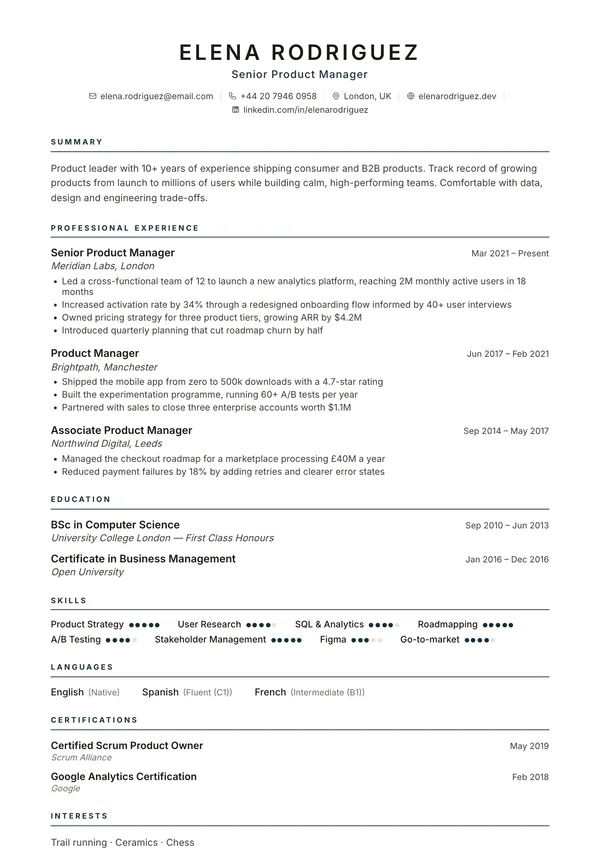
Atlas
Classic single column. Safe for any reverse-chronological resume.
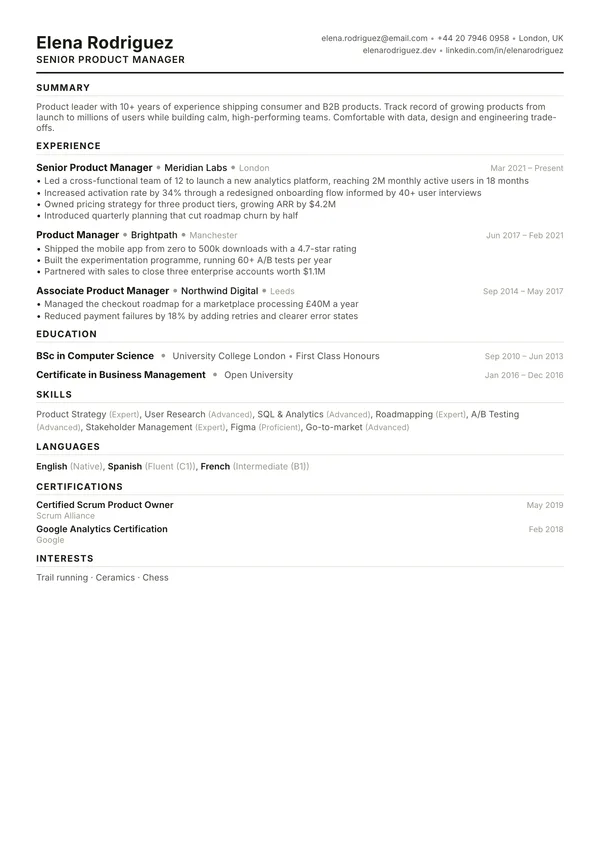
Summit
Dense, ATS-friendly layout that fits a lot on one page.
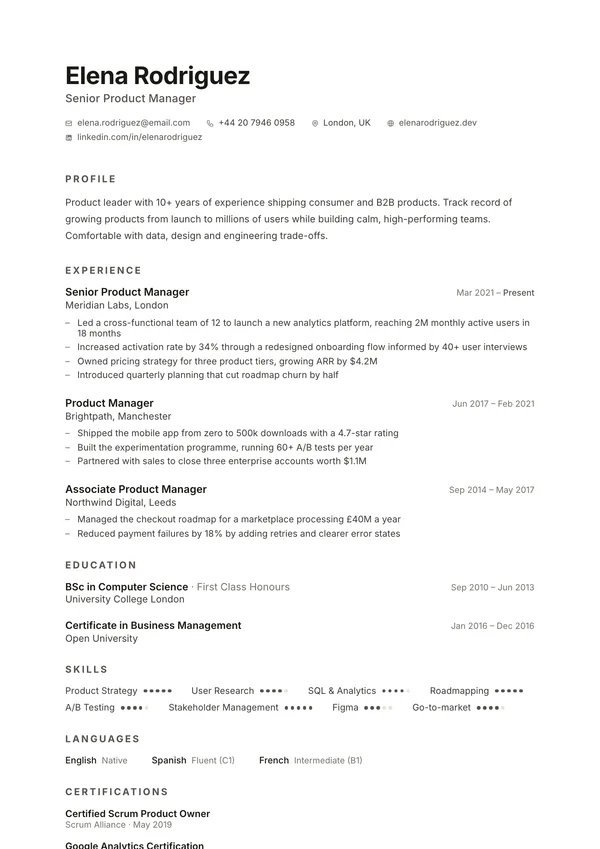
Slate
Minimal single column for a clean, modern look.
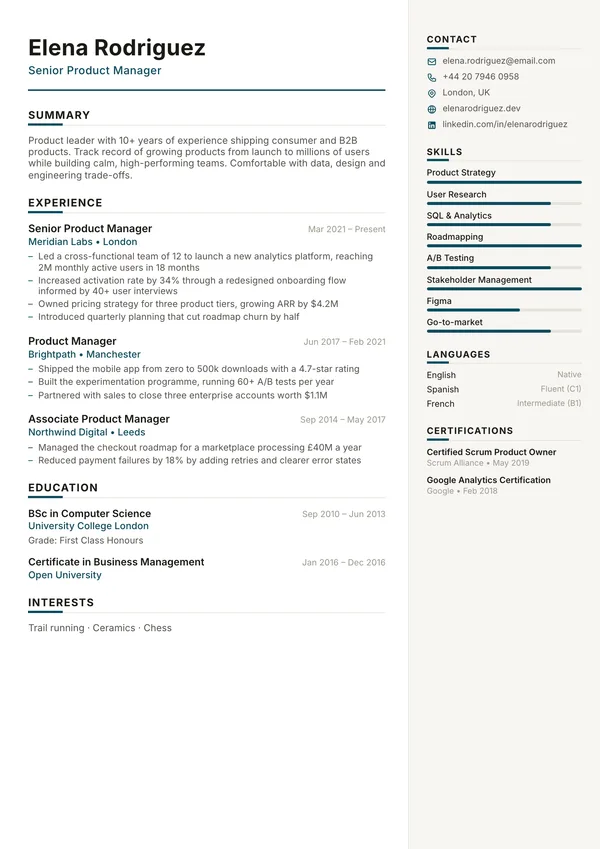
Harbor
Calm right sidebar for skills; good for combination resumes.
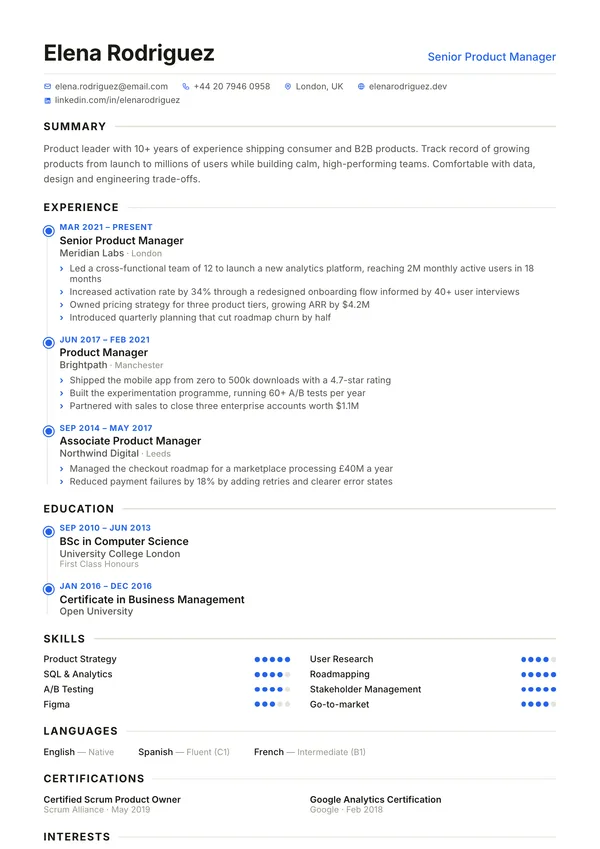
Meridian
Timeline layout that makes dates and progression obvious.
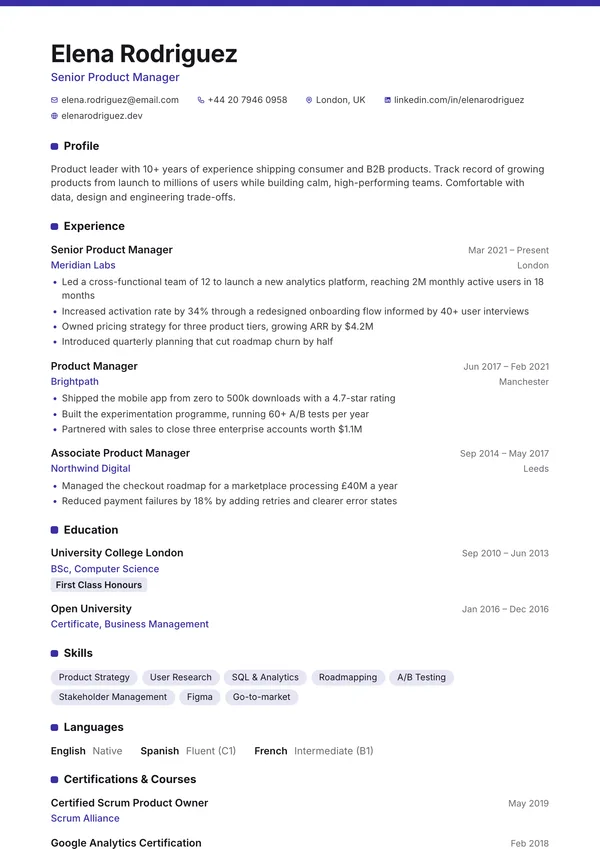
Campus
Education and projects first, for students and new grads.
Before you send it: a five-minute check
- Your name, phone number and email are correct, with no typos.
- Your most recent job is first, and every role has dates in the same style.
- Each bullet starts with a verb and most roles have at least one result or number.
- The words in your skills section match the words in the job ad, where they are true for you.
- It fits on one page (or a clear two), with no single line spilling onto a new page.
- You saved it as a PDF with a sensible file name, such as
Jordan-Lee-Resume.pdf.
The CompleteCV builder shows a live preview as you type, so you can see at once if a section pushes onto a second page. When you are done, the Review tab gives you a free check of your resume with specific fixes. Then download your PDF: there is no watermark, and you just need a free account to download.
Frequently asked questions
What is the best resume format in 2026?
For most people in the US and Canada, the reverse-chronological format is the best choice. It lists your most recent job first, which is what recruiters and applicant tracking systems expect. Use a combination format if you are changing careers or have skills that matter more than your job titles.
Should my resume be one page or two?
One page if you have less than about ten years of relevant experience. Two pages is fine for senior, technical or management roles when every line earns its place. Three pages or more is only normal for federal resumes and academic CVs.
Is a functional resume a bad idea?
Not always, but many recruiters distrust it because it hides when and where you used your skills. If you have gaps or are changing careers, a combination format usually works better: lead with your skills, then still show a dated work history.
Should I put a photo on a US resume?
No. In the US and Canada a photo is not expected and many employers prefer you leave it off, along with your date of birth, marital status and full street address. Acting, modeling and some public-facing roles are the exceptions.
What file format should I send my resume in?
Send a PDF unless the job ad asks for something else. A PDF keeps your layout exactly as you designed it. Text-based PDFs, like the ones CompleteCV creates, can be read by applicant tracking systems.
Can applicant tracking systems read two-column resumes?
Modern systems usually can, but a single-column layout is the safest choice when you apply through large corporate portals. Keep section headings standard (Experience, Education, Skills) and avoid putting key information in images or text boxes.
Is the resume builder really free?
Yes. Every CompleteCV template, the live preview and the PDF download are free, with no watermark, and you just need a free account to download.
Keep going
- Free resume builder US and Canada resume conventions, and how the builder works.
- CV vs resume Which document to send, country by country.
- CV format How CVs are laid out in the UK, Europe, Africa and India.
- Free resume templates Preview every template full size.
- Statement of purpose Applying to grad school as well? Structure your SOP.
- Open the builder Start your resume now. No sign-up to start.